WebUI (@hesed/webui)#
The @hesed/webui plugin starts a local browser interface for browsing Sidekick commands, filling command options, and running commands without typing the full CLI invocation by hand.
Start the WebUI#
sdkck webuiBy default, the WebUI listens on 127.0.0.1:4040. Open http://127.0.0.1:4040 in your browser.
To open the browser automatically when the server is ready:
sdkck webui --openUI features#
The WebUI is organized around a command browser and a command runner.
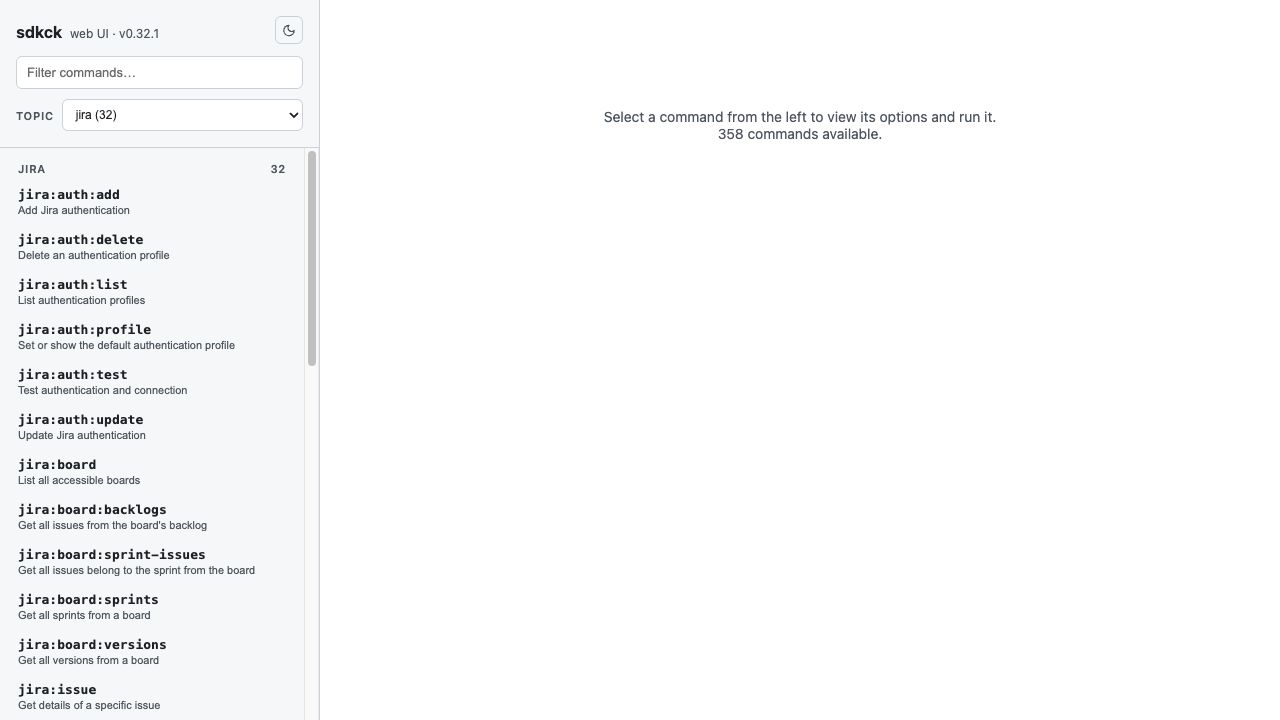
- Search — type in the command filter to find commands by name or description.
- Topic navigation — choose a topic, such as
jira, to browse only commands from that plugin. - Command list — select a command from the left sidebar to inspect what it does.
- Command details — fill required arguments and optional flags in the main panel.
- Generated command preview — review the equivalent
sdkck ...command before running it. - Theme toggle — switch between light and dark mode from the header.
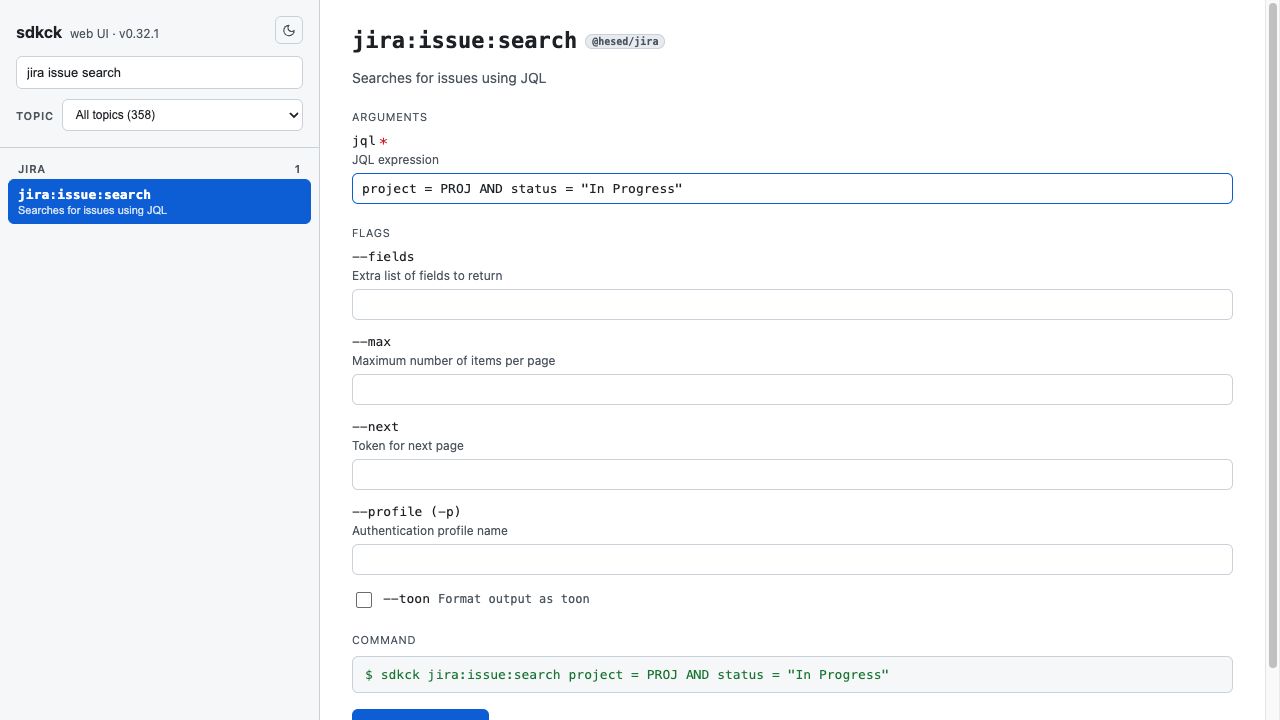
Run command from WebUI#
- Type
jira issue searchin the command filter. - Click
jira:issue:searchin the command list. - Enter a JQL expression, such as
project = PROJ AND status = "In Progress". - Optionally set flags like
--max,--fields, or--profile. - Click Run command.
Commands run through the WebUI use the same Sidekick configuration, plugins, and authentication profiles as commands run directly in the terminal.
The example above builds the equivalent of:
sdkck jira:issue:search 'project = PROJ AND status = "In Progress"'Options#
# Use a different port
sdkck webui --port 8080

# Bind to another host interface
# only use on a trusted private network
sdkck webui --host 0.0.0.0

# Start and open the UI automatically
sdkck webui --port 8080 --open
Discover command help#
sdkck webui --helpTroubleshooting#
Port already in use
- Start the WebUI on another port:
sdkck webui --port 8080
Cannot access from another device
- Bind to all interfaces with
sdkck webui --host 0.0.0.0 - Confirm your firewall allows inbound access to the selected port
Command is missing from the WebUI
- Verify the plugin that provides the command is installed or has been auto-installed
- Restart the WebUI after installing new plugins